Quick Answer: Visual aids for ADHD help children understand routines, remember instructions, and keep track of everyday tasks. These can include printable schedules, picture cards, color-coded charts, magnetic boards, and digital reward systems. The most useful option depends on your child's age, needs, and how much support they need to follow through with daily activities.
Children with ADHD can sometimes find it difficult to remember instructions, move between activities, or keep track of what they need to do next. A visual reminder can make these everyday tasks a little easier by giving them something they can refer back to.
But what kind of visual aid should parents start with? The answer depends on what your child finds helpful, how much support they need with everyday tasks, and how involved you want to be in tracking progress.
We'll look at the different types of visual aids for ADHD, what each one offers, and how parents can introduce them into daily routines without making things more complicated.
What Counts as a Visual Aid for ADHD?
A visual aid for ADHD is any tool that turns a task, routine, or expectation into something a child can see instead of just hear. That includes printed schedules, icon charts, color-coded sequences, magnetic boards, and token or point systems.
Visual aids can be simple or interactive. A laminated chart taped to the wall, for example, can show a child's morning routine. A magnetic board might let them move each task from "to do" to "done." A digital system can update a child's task list or points as they complete activities.
Each approach serves a slightly different purpose.
A static chart can be useful for a younger children learning a familiar routine, such as a bedtime sequence. For older children managing several daily responsibilities they might benefit from a system that let them track their progress and see what they've completed.
The idea is to find something that makes everyday expectations easier to understand and follow.
Visual Cues That Work Better Than a Static Chart
Visual cues for ADHD include color coding, icons, and sequencing arrows that tell a child what comes next without words. This can be particularly helpful because ADHD can affect working memory. A child might understand an instruction when they hear it but struggle to remember all its steps a few minutes later.
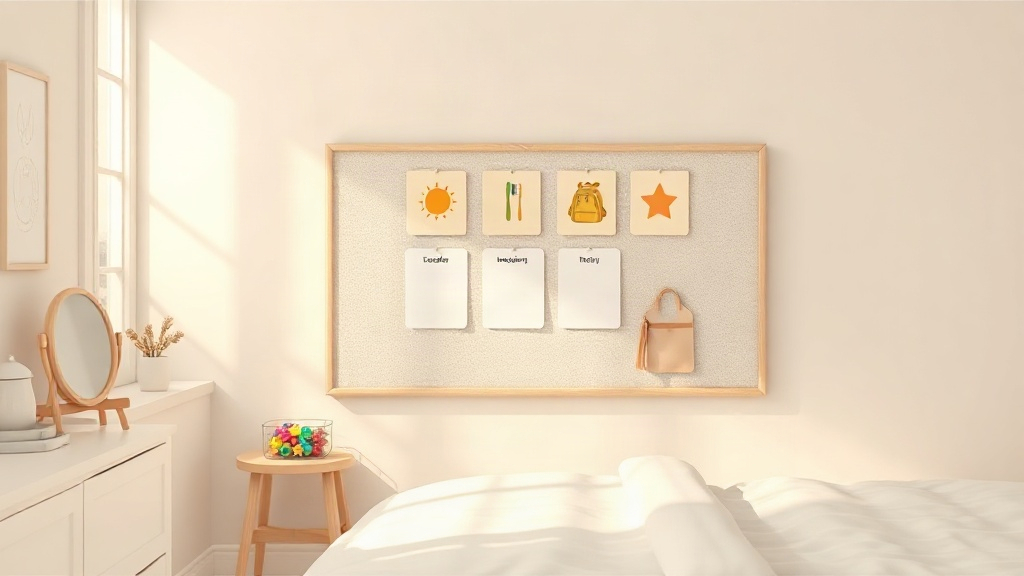
For example, a morning routine could use simple pictures to represent getting dressed, brushing teeth, eating breakfast, and packing a backpack. Instead of having to remember everything an adult has said, the child can refer to the sequence.
Visual cues can help children keep track of their progress. A checkmark, a moved marker, or an updated task list can show which activities are complete and what still needs attention.
Did You Know?: Visual cues help with memory retrieval specifically because they bypass the need to hold verbal instructions in mind, according to the ADD Resource Center's overview of using visual cues to remember information with ADHD.
One thing worth considering is whether the visual cue stays relevant throughout the day. If a chart isn't updated after tasks are completed, children may find it less useful over time. Making sure the information reflects what's actually happening helps keep the system meaningful.
Types of Visuals for ADHD, Ranked by How Long Kids Stick With Them
Visuals for ADHD generally fall into three categories: printable charts, magnetic or Velcro boards, and digital or app-based systems.
Each has its own advantages, and the right choice depends on how your child prefers to interact with information.
-
Printable charts: Easy to create and customize. They're useful for displaying routines, daily schedules, and simple task sequences.
-
Magnetic or Velcro boards: Gives children something physical to interact with. They can move task cards, change markers, or organize activities as they complete them.
-
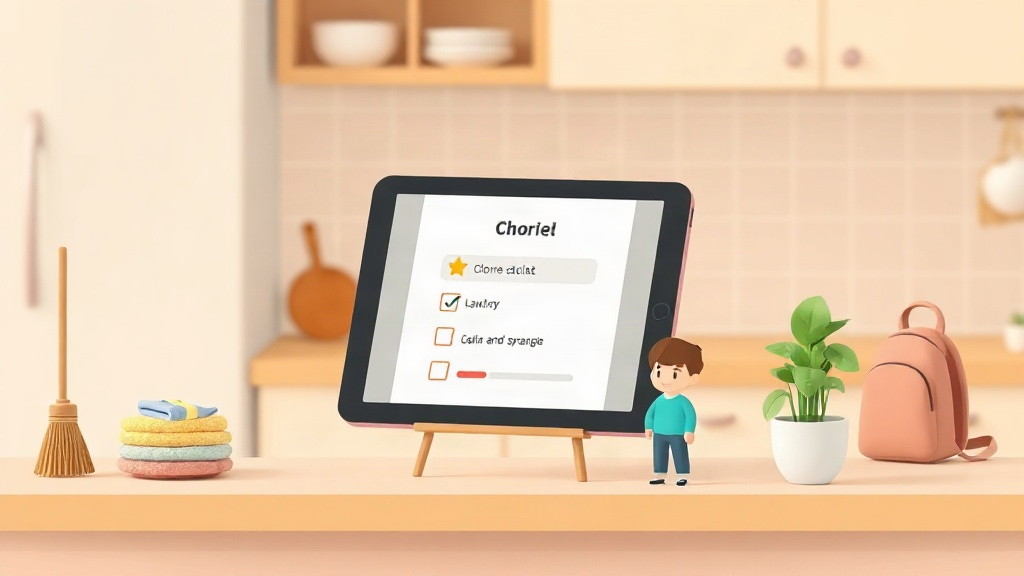
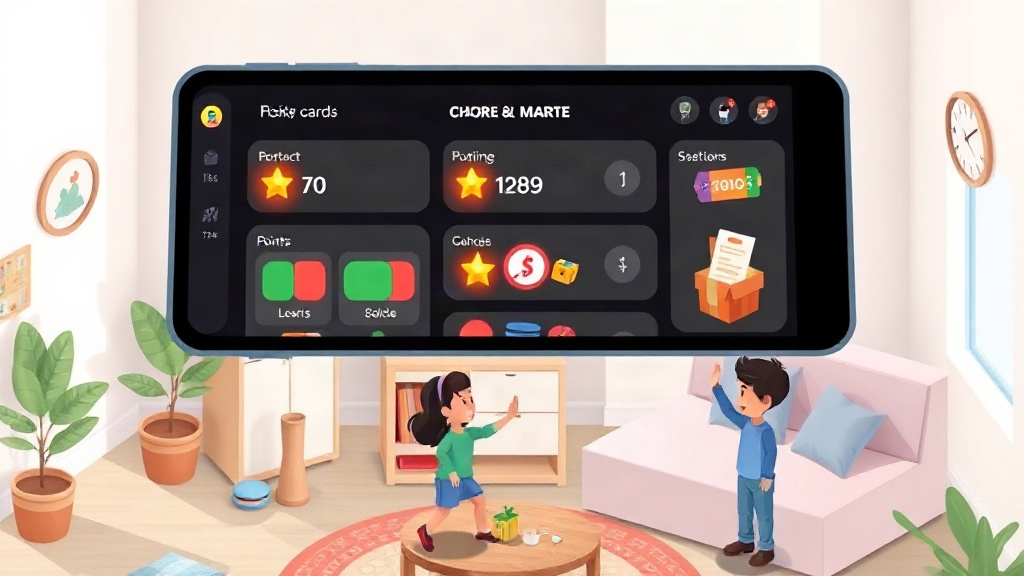
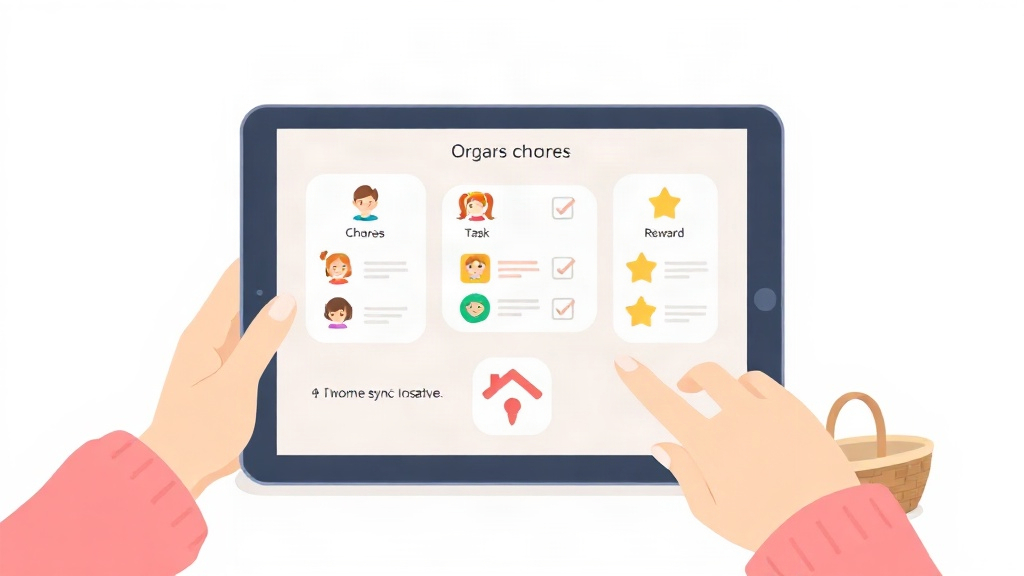
Digital or app-based systems: Allows children and parents to track tasks electronically. Some also include points, rewards, reminders, and progress tracking.
| Visual Type | Setup Effort | Typical Engagement Span |
|---|---|---|
| Printable chart | Low | Simple, inexpensive, and easy to customize |
| Magnetic/velcro board | Medium | Hands-on interaction and visible task progress |
| Digital/app-based system | Low to Medium | Task tracking, progress updates, and reward systems |
A printable chart might be all a child needs to remember a bedtime routine. Another child might enjoy physically moving magnets across a board. For families who want to track several responsibilities and introduce a points-based reward system, a digital option may be worth exploring.
The important thing is to find a format your child is comfortable using and willing to return to. If you're considering digital options, our comparison of ADHD chore apps can help you explore some of the available choices.
Building a Daily ADHD Visuals Routine
An ADHD visuals routine works best when it focuses on a few important parts of a child's day rather than trying to account for every little activity. For most families, three natural starting points are the morning routine, daily responsibilities, and an evening check-in.
Here's how you can introduce one:
-
Start with three to five visual cues. Pick activities your child regularly needs reminders for, such as getting dressed, packing their backpack, or starting homework.
-
Make the cues easy to understand. Use familiar pictures, simple words, or colors your child can recognize without needing an explanation every time.
-
Decide how progress will be tracked. This could be a checkmark on a chart, a magnet moved to the completed section, or a point added to a digital system.
-
Review the visuals together. Spend a few minutes looking at what's been completed and discussing anything that needs attention.
-
Adjust the system as routines change. A morning chart that works for a preschooler might need updating when they start school or take on more responsibilities.
Pro Tip: Keep the evening review short and relaxed. A few minutes of checking progress together can be more useful than turning it into a lengthy discussion about everything your child did or didn't complete.
If your child spends time in two households, try to communicate about the routines and expectations being used in each home. The visual systems don't necessarily need to look identical, but having some consistency around important responsibilities can help.
Common Mistakes That Make Visual Systems Fail
Visual aids can be useful, but how they're introduced and maintained makes a difference. Here are a few things parents should watch out for.
Introducing too many visuals at once
A chart with ten different activities, several colors, and multiple instructions can become overwhelming. Start with two or three important activities and gradually introduce more as your child becomes comfortable with the system.
Not updating the visuals regularly
A visual chart needs to reflect what's happening. If a task has been completed but the chart still shows it as unfinished, the information becomes less useful. Make updating the chart part of the routine.
Inconsistent use between caregivers
If one parent uses the chart regularly while another rarely refers to it, children may struggle to understand when they're expected to follow it. Talk to other caregivers about the purpose of the system and how it should be used.
Making rewards too distant or difficult to understand
If you're using a points-based system, make sure your child understands how points are earned and what they can work toward. For younger children especially, immediate feedback can help them connect an action with its outcome.
Rewards should also be achievable and appropriate for your child's age. The aim is to encourage participation and build positive routines, not make every everyday activity feel like a competition.
If you are looking for more guidance on building more independence and routines that stick start here