Quick Answer: A digital chore board is any screen-based system, hardware calendar, tablet kiosk, or phone app, that replaces paper chore charts with tasks, reminders, and rewards tracked electronically. Options differ widely on subscription cost, co-parent sync, and reward features, so the right pick depends on your family's setup and budget.
You asked your kid to clean their room. They moved one sock, found a toy they hadn't seen in three months, and somehow ended up playing on the floor. Meanwhile, you're still keeping track of the chores, the reminders, and the rewards. Congratulations, you've accidentally taken on a second job.
And if you're co-parenting across two households, now you've got two sets of routines to keep in sync. Who finished what? How many points have they earned? Did the other parent know about the deal you made for extra screen time?
A digital chore board can take some of that chaos off your hands. But should you get a fancy wall calendar, turn an old tablet into a chore station, or just use an app on your phone? Let's figure out which option makes chores easier for everyone.
What Counts as a Digital Chore Board
Digital chore boards generally fall into three categories: dedicated hardware calendars, chore apps displayed on a shared tablet, and phone-based apps that parents and kids can access on their own devices.
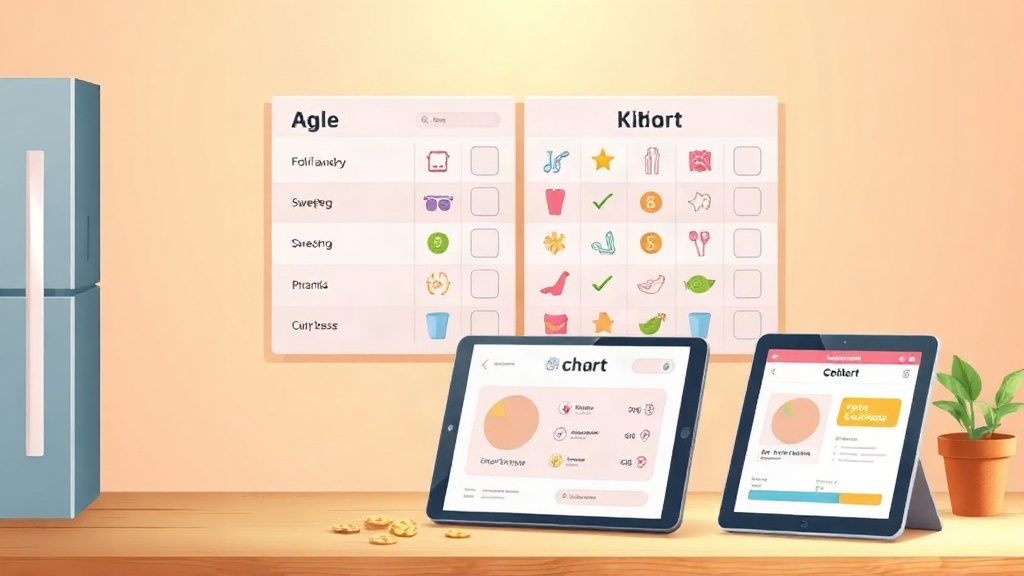
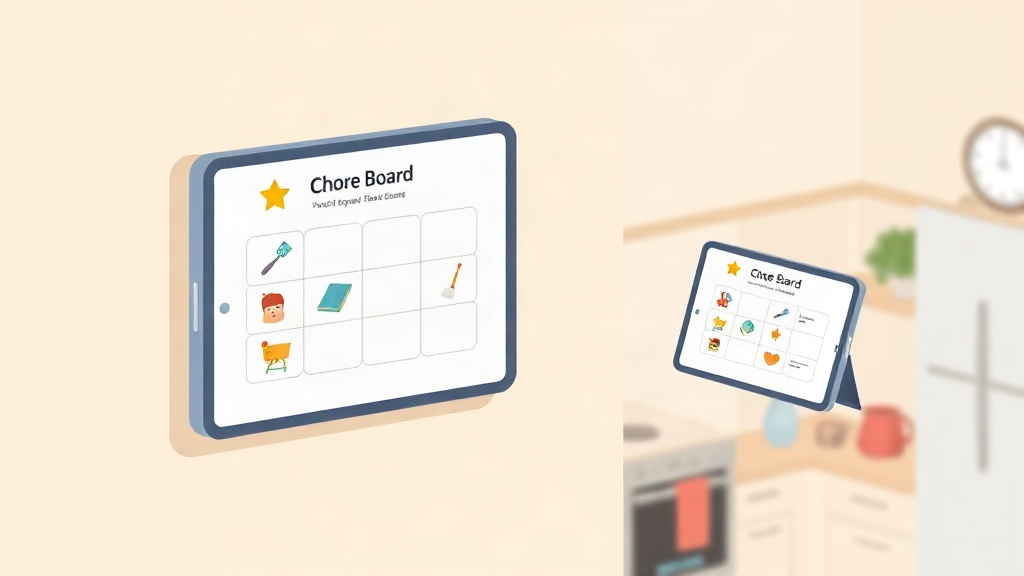
Hardware calendars like Skylight and Cozyla give your family a shared screen for schedules, chores, and other household business. A tablet-based setup does much the same thing without requiring you to buy another device. Phone-based apps take a different approach: everyone can check tasks and, depending on the app, track progress and rewards from their own device.
If everyone lives under the same roof, a kitchen display may all that you need, but if your children split their time living between two homes, a chore based app where both the parents can access the chore chart and reward points would be the right choice.
Hardware Calendar Boards Vs. App-Based Chore Boards
Hardware calendars carry an upfront device cost plus an ongoing subscription fee for full feature access, including chore tracking. App-based boards typically run on a phone or tablet you already own, so you are not spending extra money just to remind your child to put their toys away.
Flexibility differs too. A wall-mounted calendar stays in one house, which creates friction for co-parents splitting custody across two homes. An app installed on each parent's phone can sync the same chore list and reward balance no matter which house the child is in that week.
MyChoreBoard is one app-based option to consider if you'd rather use your existing devices than buy a dedicated calendar. It offers chore tracking, rewards, and syncing across devices, including support for families managing routines across two homes.
Skylight Chore Chart. What It Offers and What It Doesn't
Skylight combines a family calendar with a chore chart on a dedicated touchscreen. You can assign chores, track completion, and manage your family's schedule from the calendar or mobile app. Basic chore tracking is available without a subscription, but if you want your kids to earn stars toward rewards, you'll need Calendar Plus.
The main trade-off is that you're paying for a dedicated screen, and potentially a subscription on top of that. The screen can be useful if you want everyone to see the family's plans and chores in one place. But if you're mainly looking for a way to assign tasks, track points, and manage rewards, it's worth comparing that setup with an app on a device you already own.
And if you're co-parenting, don't assume a wall-mounted calendar automatically means two disconnected systems. Skylight supports linking multiple calendars, including across locations. Before buying a second device, check whether its linked setup supports the way you want both households to manage chores and rewards.
What a Kid-First Digital Chore Board Needs
A chore board needs to do more than give your child another screen to ignore. It should make it clear what needs doing, what they've earned, and what they're working toward, without giving you another full-time job managing the system. Here's what to look for:
- Task management: Assign chores to each child so nobody can claim they thought their sibling was supposed to do it.
- Points and rewards: Let kids see what each chore earns and what they can save up for. The weekend movie might suddenly become very interesting.
- Flexible rules: Set your own point values and decide how to handle missed chores, rather than negotiating the rules every Tuesday.
- Two-home sync: Keep both parents looking at the same chore list and reward balances, instead of comparing notes like they're running separate departments.
- Activity history: Check what actually got done when “I already did it!” becomes the official family response to every question.
- Reminders: Let the system handle some of the nudging, so you don't have to become a human alarm clock.
- Kid-friendly access: Look for simple navigation and age-appropriate profiles. A system designed for teenagers might not work for a four-year-old who can't read yet.
- Privacy controls: Check who can access your family's information and what data the app collects.
For co-parenting families, start with two questions: can both parents access the same information, and can you see what happened when your child was at the other house? Everything else depends on how your family prefers to run chores.
Comparison Table: Digital Chore Board Options
| Option Type | Cost Model | Co-Parent Sync | Best suited for |
|---|---|---|---|
| Hardware calendar (Skylight-style) | Device purchase plus subscription for full features | Shared calendar and chore tracking; reward features may require a paid plan | Families who want a dedicated screen in the home |
| Generic calendar/task app | Often free or freemium | Tasks and reminders; rewards may need to be tracked manually | Families who want a simple, flexible task list |
| My Chore Board | Free app | Chore tracking, points, rewards, and syncing across devices | Families looking for a free app-based chore system |
| Kid-dedicated chore app (e.g., Kidkarma) | App-based; subscription after the free trial | Points, custom rewards, task approvals, activity history, and two-home sync | Families who want a dedicated chore and reward system, particularly across two homes |
Before you buy anything, work out what problem you're actually trying to solve. If you just need chores on a shared screen, a hardware calendar might be a good fit. If you're after points, rewards, and a way to keep two households on the same page, compare dedicated chore apps first. No need to buy a whole new screen if your phone can do the job.
How to Set Up a Digital Chore Board for Your Kids
You've picked your chore board. Now comes the part where you convince your kids that putting their laundry in the hamper is a perfectly reasonable request. Start small. You can always add more chores once the system becomes part of the routine.
- Create a parent account and add each child's profile.
- Set up child access using whatever login method your chosen app supports.
- Let each child pick a custom avatar to personalize their profile.
- Assign a first batch of age-appropriate tasks, starting small to build the habit.
- Set point values per task so kids see what each chore is worth.
- Review activity history after the first week to adjust task difficulty or reminders.
If your kids split their time between two homes, agree on the basics with the other parent before you start. Which chores earn points? Who approves completion? What happens when a task gets missed? A shared app can keep the information in one place, but agreeing on the rules is what keeps the system consistent.
Want to spend less time tracking chores and more time doing literally anything else? Explore KidKarma to see how its task tracking, points, rewards, and two-home sync fit your family's routine.