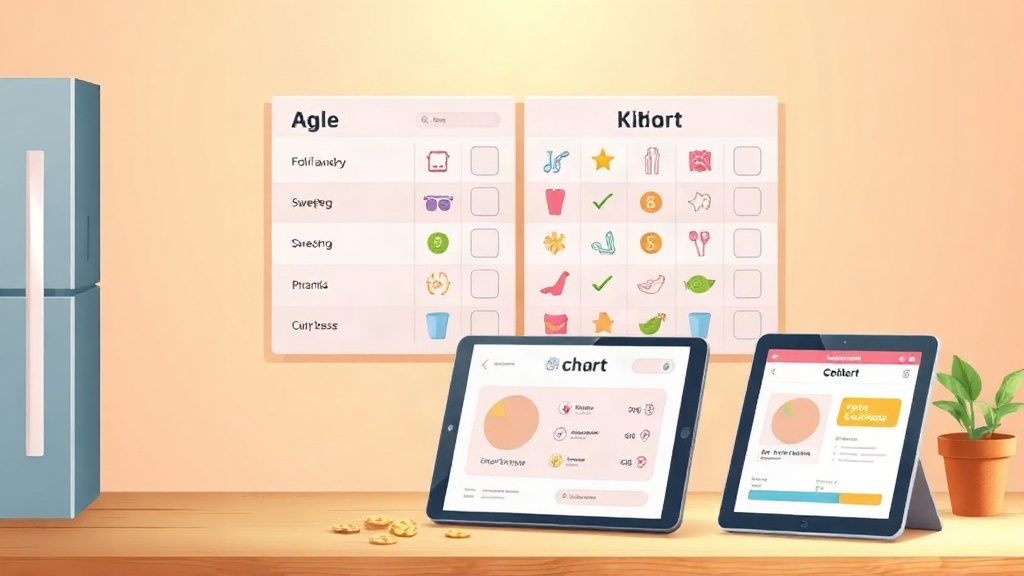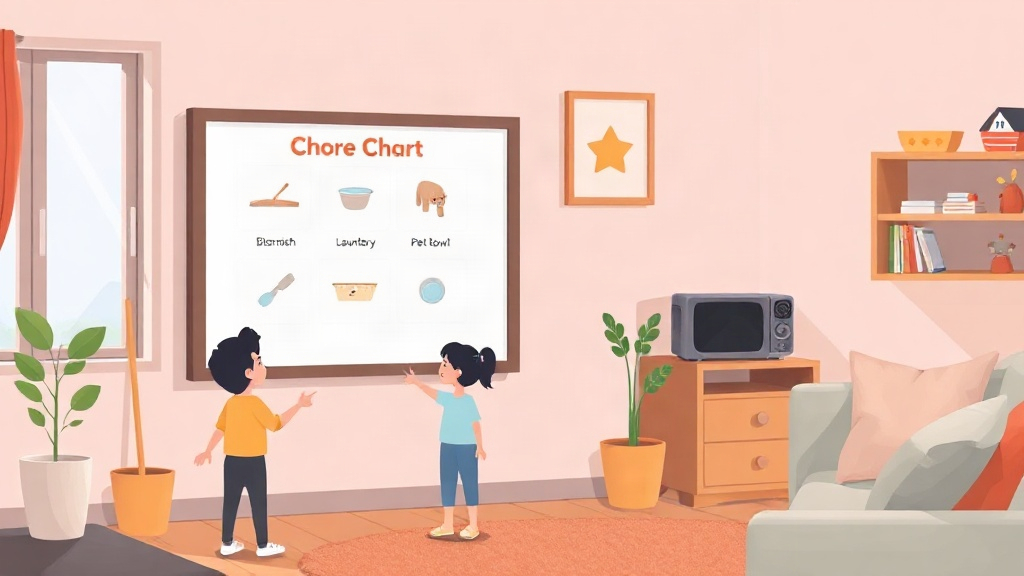
Quick Answer: A reward tracker is an app or system that logs a child's completed chores, awards points for them, and lets the child redeem those points for rewards. The best ones track tasks clearly, handle missed chores without harsh punishment, and work across two households when parents are separated.
What is a Reward Tracker & Why Parents Use One
A reward tracker is a system, paper or digital, that records a child's chores and behavior goals and connects them to points or rewards. Parents use one to make expectations clear and consistent, without having to remember every task or keep reminding their kids.
Getting a reward tracker set up is the easy part. Making it work with your family's actual routine is where things can get tricky. How many kids are using it? Which chores make sense for their ages? And if your child splits their time between two homes, how do you keep things consistent?
The right setup should make everyday routines easier for both you and your child, not give you another thing to manage.
What a Reward Chart App Should Actually Do
A reward chart app should make it easy to assign tasks, track completed chores, award points, and let kids work toward rewards they care about. If updating the chart takes more effort than nagging, the reward chart app won't stay in your routine for long.
Task and Chore Tracking Basics
Look for an app that gives you a clear way to assign chores either by day, age, or recurring schedule. Smart reminders that nudge a child when a task is due are important too, so you are not repeating yourself after dinner. Activity history matters too, so you can see patterns over weeks, not just today's checklist.
Points and a Reward Marketplace Concept
A smart point system assigns value to each task so bigger or less-fun chores earn more. A reward marketplace then lets kids trade accumulated points for things they actually want, screen time, an outing, a small purchase, rather than a vague promise of "doing well."
Handling Missed Tasks Without Harsh Punishment
Kids will miss chores. They'll forget, get distracted, or simply not feel like doing something. That doesn't have to mean throwing the whole system out.
You can use proportionate consequences, such as a small point deduction or an opportunity to finish the task later. The goal is to help children understand that their responsibilities matter without making one missed chore feel like they've lost all their progress.
Red Flag: If an app only lets you add points and has no way to subtract or adjust them, it can't reflect missed chores accurately, and the system will drift out of sync with reality within a week.
Comparing Reward Chart Apps: What to Look For
Reward chart apps differ most in setup friction, co-parent support, and how they handle a child's data, three things app-store listings rarely explain clearly.
| Criteria | What to check |
|---|---|
| Ease of setup | Can a child log in without a shared adult device? |
| Co-parent support | Does activity sync across two homes in real time? |
| Privacy | Does the app limit data collection for young users? |
Ease of Setup for Kids Including Login Methods
A QR code kid login lets a child access their own profile without typing a password or using a parent's phone. This matters most for younger kids who can scan a code but can't reliably remember credentials.
Co-parent and Two-home Support Considerations
Two-home sync keeps chore records and points consistent whether a child is with one parent or the other. Without it, co-parents end up keeping separate, conflicting records of the same child's progress.
Privacy and Data Handling Considerations
Privacy-first design means the app limits what it collects from a child's profile and keeps that data separate from any marketing use. Parents should look for apps that are explicit about what information a child's account stores, not just a generic privacy policy link.
For a closer look at how reward systems compare feature by feature, see KidKarma's chore app comparisons.
Setting Up a Reward Tracker for Your Child
Setting up a reward tracker works best as a short, deliberate process rather than something configured once and forgotten.
- List 3 to 5 chores appropriate to your child's age
- Assign point values, heavier chores earn more
- Set up the reward marketplace with a mix of small and bigger rewards
- Let the child choose their own avatar or profile look to build ownership
- Review progress charts weekly and adjust point values if needed
Match complexity to age: a 4-year-old needs two or three simple daily tasks, while a 12-year-old can manage a weekly list with saved-up rewards. For a full age-by-age breakdown, KidKarma's guide to chores for 14 year olds covers what's reasonable at that stage.
Worth Paying Extra For: A reward marketplace that supports both instant small rewards and saved-up bigger ones teaches delayed gratification better than a system limited to one reward size.
Involving the child in picking rewards matters more than the chore list itself. A child who helps choose what they're working toward is more invested than one handed a fixed reward menu.
Common Mistakes That Make Reward Charts Fail
Most reward charts fail from system design, not from the child losing interest.
- Overcomplicating the point system: too many point tiers or bonus rules confuse kids and make tracking a chore in itself.
- Inconsistent follow-through from parents: if points aren't awarded or deducted the same day a task happens, kids stop trusting the system.
- Rewards that don't motivate the specific child: a generic reward list that ignores what one child actually wants will underperform even a simple chart with the right incentives.
Research on point-based reward programs shows that consistency and perceived fairness in point awarding matter more than the complexity of the system itself, according to research on the psychology of points reward programs.
To see a reward tracker that puts these principles into practice, start with KidKarma's app for chores and rewards.