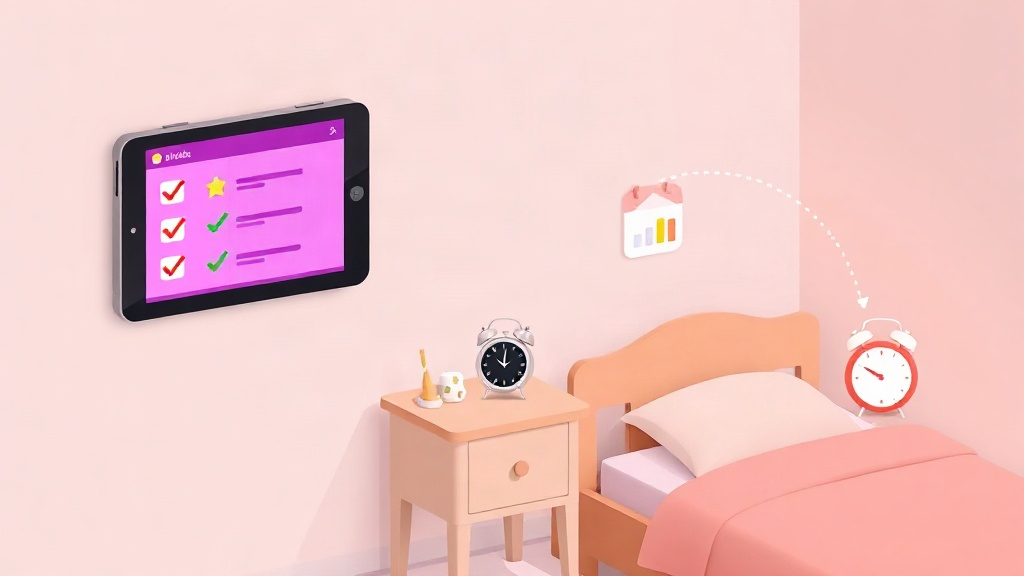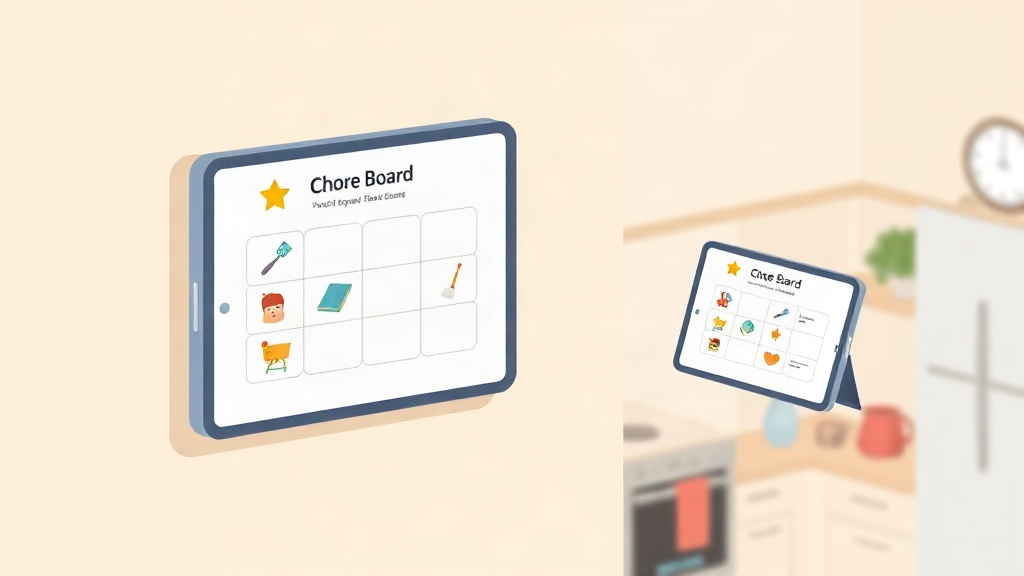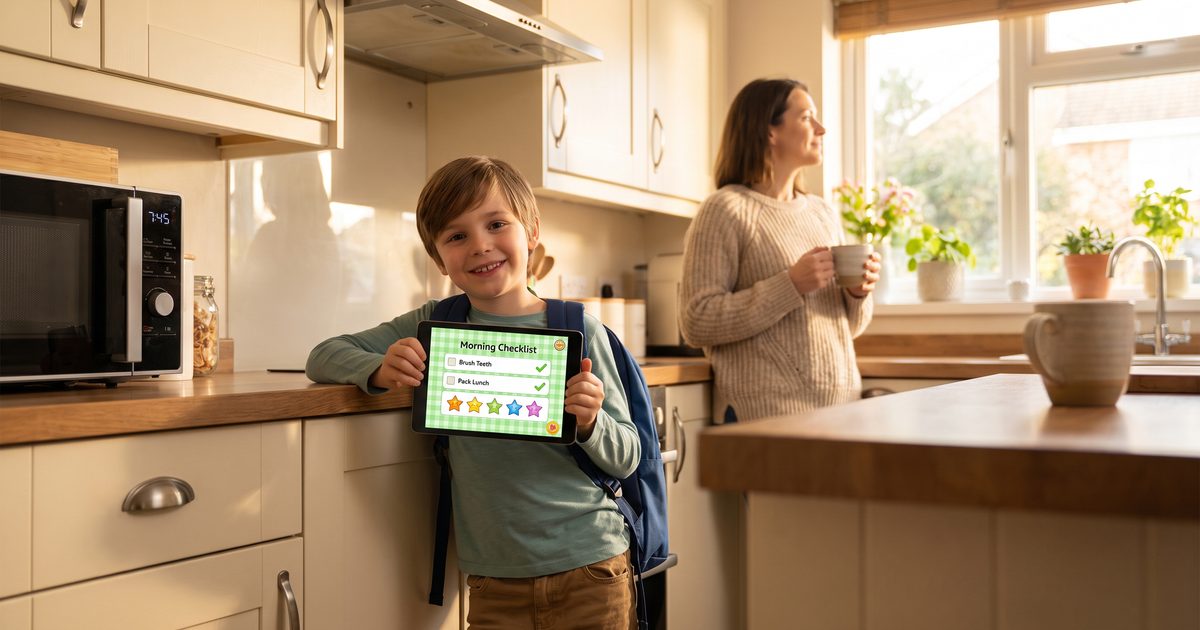
The best morning routine app for kids replaces repetitive parental reminders with a visual, interactive checklist that a child manages themselves. KidKarma, Happy Kids Timer, Joon, Routinery, Skylight Calendar, and Choiceworks each take a different approach - gamified rewards, visual countdown timers, multi-step routines, or smart household displays. The right fit depends on your child's age, whether they respond better to timers or reward points, and whether the routine needs to sync across two co-parenting homes. Below is a direct look at what each app does, what it costs, and who it fits best.
A morning routine app for kids is a digital habit-and-task manager that breaks early-morning preparation into sequential steps - like getting dressed, brushing teeth, making the bed, and packing backpacks. Most apps give parents a portal to configure tasks and point values, alongside a child-friendly screen that offers immediate positive feedback the moment a task is done.
Key Takeaways
- The best morning routine apps for kids replace parental nagging with a visual checklist the child runs independently - not a stricter set of rules.
- Positive reinforcement (points and privileges) builds longer-lasting habits than countdown timers or punishment-based systems, especially past the first two weeks.
- Login friction kills adoption fast. A QR code or PIN-free child screen beats an email or password every school morning.
- Co-parenting and blended families need Two-Home Sync so routines, streaks, and rewards stay identical at both houses.
- Start with 3 to 5 core tasks. Apps that require 30 minutes of setup before a child can check off "brush teeth" get abandoned by Wednesday.
What Makes a Morning Routine App Work in 2026?
A morning routine app works when it eliminates the parent as the morning "enforcer," not just when it has playful animations. Families who stick with a routine long-term choose apps with three distinct traits: a clear, step-by-step visual list a child can navigate independently, immediate positive reinforcement right after a task is finished, and a setup that doesn't feel like a chore for parents to manage.
Families balancing multiple children need an app flexible enough to assign different routines by age (visual icons for a 4-year-old, timed checklists for an 11-year-old) while keeping everything visible on a single parent dashboard. Decide first whether you want a device your child interacts with directly or a passive wall-mounted screen. That single choice narrows the list immediately.
| 💡 Buying Tip: Look at how an app authenticates child access before you subscribe. If your child has to type an email or complex password every morning, the routine will break down before breakfast. Look for apps with instant QR code logins or PIN-free child screens. |
|---|
Setup friction matters just as much. If an app takes 30 minutes of configuration and calendar syncing before your child can check off a single glass of water, it will likely be abandoned by Wednesday. The tools families rely on long-term let a parent pick 3 to 5 pre-built morning tasks in under five minutes.
How Do the Best Morning Routine Apps for Kids Compare at a Glance?
The apps below differ mainly in their core motivational engine: some rely on strict countdown timers, others on visual schedules, and others on positive-reinforcement reward points that children can redeem for family privileges.
| App | Price (2026) | Best For | Motivational System | Child Login Type | Two-Home Sync |
|---|---|---|---|---|---|
| KidKarma | 14-day free trial + $4.99/mo ($29.99/yr) | Habit building, co-parents | Points & rewards | Instant QR Code | Yes (every plan) |
| Happy Kids Timer | Free / $4.99 lifetime | Toddlers & preschoolers | Visual countdown clock | Device only (PIN) | No |
| Joon | Free / $12.99/mo | Kids 6-12 with ADHD | Virtual pet game | Separate kid app | Not advertised |
| Routinery | Free / $3.99/mo | Tweens & teens | Habit streaks & metrics | Email / Account | No |
| Skylight Calendar | $159-$299 + $39/yr | Whole-family display | Chore stars & schedule | Shared touchscreen | Yes (Cloud sync) |
| Choiceworks | $14.99 one-time (iOS) | Special-needs schedules | Picture cards & audio | Local iPad app | No |
The Child Development Science Behind Morning Routine Apps
Morning compliance isn't just about discipline - it's rooted in how a child's brain organizes multi-step tasks. Young children have a much smaller working memory capacity than adults, meaning a string of four or five spoken instructions ("get dressed, brush your teeth, make your bed, grab your bag") often overloads their ability to hold and sequence that information. By the third instruction, the first has usually dropped out of memory entirely - which is why parents feel like they're repeating themselves, because they are.
Executive function - the mental skill set responsible for planning, sequencing, and self-monitoring - also doesn't fully mature until the mid-teens. Clinical child development research published in the Journal of Attention Disorders (2025) found that children's working memory is significantly more responsive to visual task representations than to verbal commands, and that task-completion rates improve measurably when instructions are externalized as images or checklists instead of spoken reminders.
This is the concept developmental psychologists call an "external scaffold": a visual or physical aid that carries the sequencing load a child's brain can't yet manage on its own. A morning routine app functions as that scaffold. Instead of asking a 6-year-old to hold five steps in their head, the app holds the sequence for them and simply asks, "what's next?" - which is why visual checklist apps consistently outperform verbal reminders for building lasting independence, and why they show outsized benefits for children with ADHD or other executive function delays.
Which Morning Routine App Fits Your Family?
Different apps serve different developmental stages. Here is how each option performs in practice. See our age-appropriate chore guides for task breakdowns by age.
1. KidKarma: Best for Positive Reinforcement and Two Homes
KidKarma turns the morning routine into an engaging, self-directed game. Parents assign core morning tasks (getting dressed, brushing teeth, packing bags) with point values. Kids scan a simple QR code to see their checklist, complete their tasks, and request verification with a single tap.
Points can be banked or redeemed in the family's custom Reward Marketplace for privileges your child actually values - like 30 minutes of weekend gaming or choosing Friday's dinner. For co-parents and blended families, KidKarma's Two-Home Sync keeps morning expectations, streaks, and points identical across both households.
Pros: Zero ads, secure QR child login, positive reinforcement framework, co-parent dashboard.
Cons: Requires active parent approval rather than purely passive timers.
Best For: Families with kids ages 4-14 looking to stop morning nagging without resorting to bribery.
| ⭐ Worth Looking For: Two-Home Sync, included on every KidKarma plan. Co-parenting households consistently report this as the single feature that ends the "it's different at Mom's house" argument - both homes see the same tasks, the same streak, and the same reward balance in real time. |
|---|
2. Happy Kids Timer: Best for Toddlers & Preschoolers
Happy Kids Timer uses an animated visual clock that counts down each routine element, showing kids how much time they have left to wash their face or put on socks.
Pros: Simple, gamified animations that guide young kids through tasks.
Cons: The free tier includes third-party advertisements; lacks long-term habit tracking or flexible real-world rewards.
Best For: Preschoolers (ages 3-5) who need visual pacing rather than long-term habit tracking.
3. Joon: Best for Kids with ADHD
Joon turns the morning routine into a video game. Parents assign tasks as "Quests" in a parent app, and kids complete them in real life to feed and grow a virtual pet in their own app. It's designed for kids ages 6 to 12, especially those with ADHD. For more options, see our ADHD chore app guide.
Pros: Strong pull for kids who love games; built with ADHD in mind.
Cons: Premium is $12.99/month, more than most routine apps; the free tier is limited.
Best For: Kids 6-12 with ADHD who respond to games more than checklists.
4. Routinery: Best for Independent Tweens and Teens
Routinery focuses on contextual habit building, making it suitable for older kids who don't want cartoon characters or star stickers. It measures routine durations and tracks consistency over weeks.
Pros: Mature, minimalist interface; strong analytics on where morning time is lost.
Cons: Built primarily for adults and teens; not suitable for younger children who need parental verification.
Best For: High schoolers and self-motivated middle schoolers.
5. Skylight Calendar: Best Dedicated Hardware Option
Skylight is a dedicated touchscreen display mounted in the kitchen or hallway. It shows the family calendar alongside color-coded chore checklists that kids can check off on the wall.
Pros: No mobile devices required for children; central visibility for the entire household.
Cons: Substantial upfront hardware cost ($159-$299) plus an ongoing annual subscription for full features.
Best For: Families wanting a centralized, screen-free alternative to personal tablets and phones.
6. Choiceworks: Best for Visual & Picture-Based Communication
Choiceworks is a trusted tool among occupational therapists and special-education educators. It uses customizable image cards and audio prompts to build morning schedules, feelings charts, and waiting boards.
Pros: One-time purchase price; robust, evidence-backed tool for speech and developmental therapy.
Cons: Available exclusively on iOS; dated interface with no parent-child remote sync.
Best For: Non-verbal children, toddlers, or kids on the autism spectrum.
How Much Should a Morning Routine App for Kids Cost?
Most morning routine apps range from free to about $13 a month, but pricing structure often signals product quality:
Free with Ads: Many free apps monetize by showing third-party ads and video games directly to your child while they're trying to get ready for school - which defeats the entire purpose of morning focus.
Subscription Model ($2.50 to $12.99/mo): Apps like KidKarma ($29.99/year, which works out to about $2.50/month) run on a paid model so they can stay completely ad-free, protect child privacy, and keep shipping updates like cloud sync and cross-device approvals.
Hardware Solutions ($150+): Wall displays offer convenience but require a meaningful upfront financial commitment.
For most families, an ad-free subscription in the $2.50-$5.00/month range gives the best balance of safety, engagement, and functionality.
Mistakes to Avoid on School Mornings
1. Overloading the routine with too many tasks on day one. A parent who inputs twelve different responsibilities sets their child up for cognitive overwhelm before 7:30 AM. Start with 3 to 5 non-negotiables and add more only once the first set is automatic.
| ⚠️ Red Flag: Beware of systems that rely heavily on negative point deductions for being five minutes late. Penalizing kids during an already stressful morning triggers defensiveness and causes children to abandon the app within days. |
|---|
2. Letting points sit on a screen with nothing to redeem them for. If digital points never translate into real-world choices - like picking movie night or earning extra weekend screen time - children lose interest within two weeks. See our guide on reward systems for kids that actually work for practical tips.
3. Enforcing the routine inconsistently between caregivers. If morning expectations fall apart when one parent travels or when a child switches to a second home, the habit loop breaks. A platform with multi-parent access keeps the morning checklist consistent every day, at both houses.
4. Hovering over the app instead of stepping back. Once the routine is set up, resist the urge to narrate every step from the sidelines. The whole point of an external visual scaffold is that your child checks it, not you - supervising too closely just replaces one form of nagging with another.
| 🧠 Expert Advice from Bhagyesh Patel: "The secret to a calm morning isn't adding more reminders; it's removing yourself as the alarm clock. Start with just three essential tasks: clothes on, teeth brushed, bag packed. Let your child scan their QR code, earn their points, and feel the pride of finishing on their own. Once that rhythm is established, the rest takes care of itself." |
|---|
Real-World Parent Feedback
"Before KidKarma, our mornings were pure chaos. I felt like a broken record repeating the same instructions four times. Now, my 7-year-old scans her code, checks off her morning routine, and checks her Karma streak. We haven't had a morning shouting match in three months." - David K., Father of two, Google Play Review
Ready to Stop Nagging Every Morning?
You don't need to overhaul your whole week to know if a morning routine app for kids is the right one for your family - you need two weeks of calmer mornings. KidKarma's 14-day free trial gives your family a full two school weeks to test the routine, with a reminder email on day 11 so you're never surprised by a charge, and cancellation that takes two taps in your account settings, no phone call required.
Free for 14 days. Zero ads. Cancel in two taps, anytime.