Quick Answer: A family chore board helps parents organize household tasks, assign responsibilities to each child, and keep track of completed chores. It can be a simple printable chart on the fridge or a digital app with individual profiles, points, rewards, and reminders. The right setup depends on your family's routine, number of children, and whether you need to manage chores across multiple households.
Getting kids to do their chores can sometimes feel like a chore in itself. You remind them to make their beds, ask them to put their toys away, and somehow end up repeating the same instructions the next day.
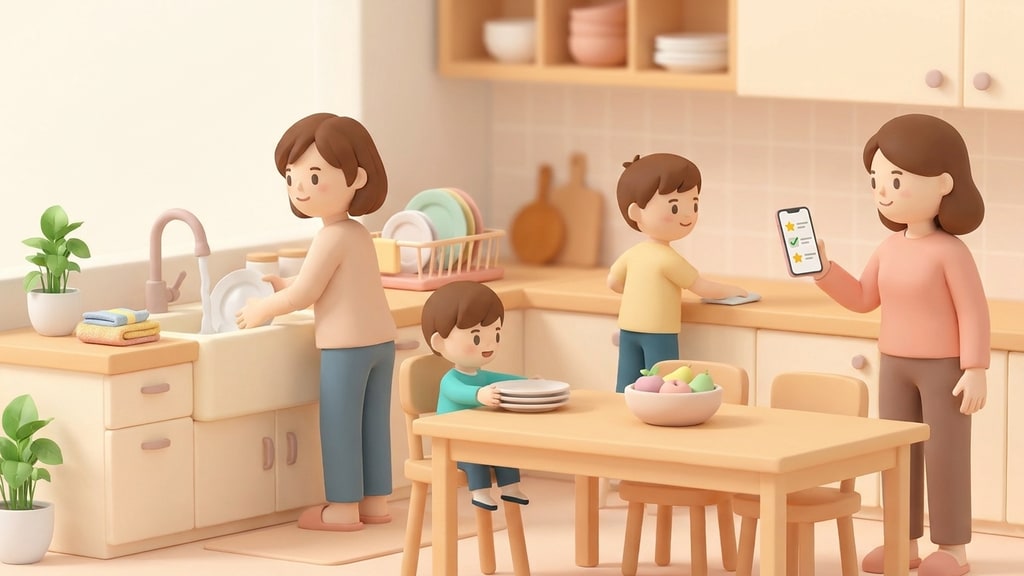
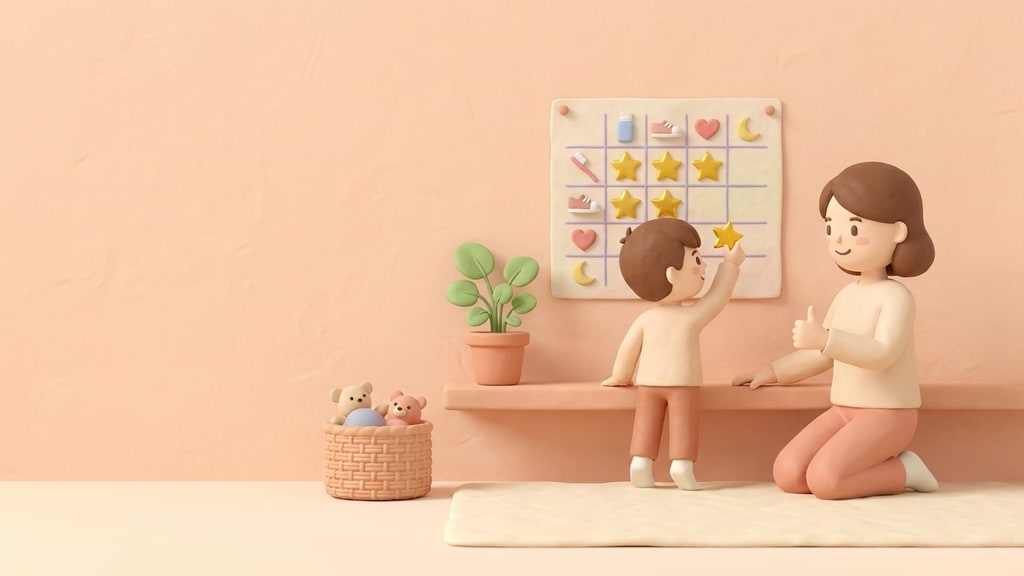
A family chore board can make that routine a little easier. Instead of keeping track of everyone's responsibilities in your head, you have one place where children can see what needs to be done, track their progress, and work toward rewards.
But not all chore boards work the same way. A printable chart on the fridge might be enough for a small family, while households with multiple children or co-parents managing two homes may need something more flexible. Let's look at what a family chore board actually does and what to consider when choosing one.
What a Family Chore Board Actually Is (Beyond a Printable Chart)
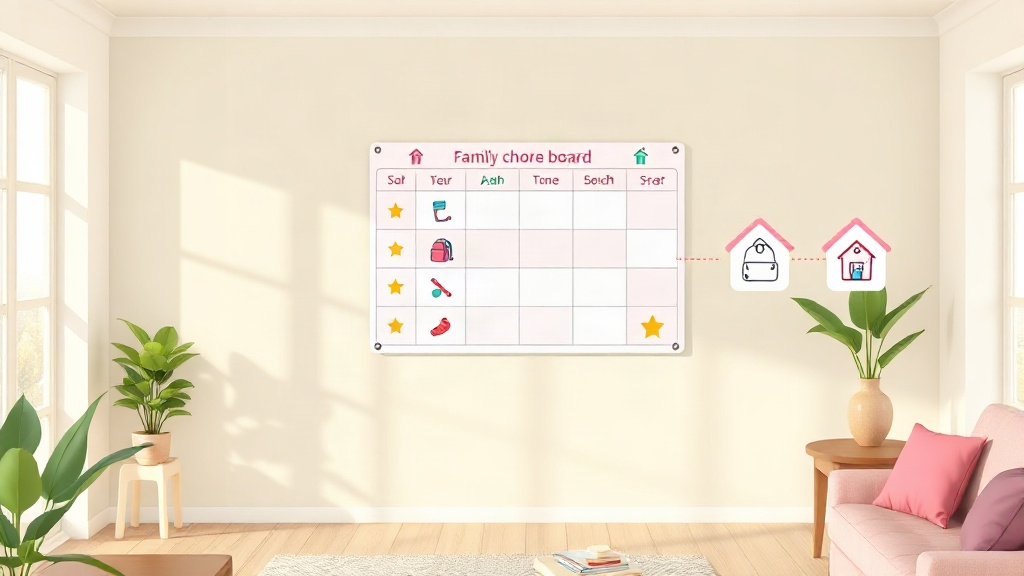
A family chore board is simply a way to keep track of who's responsible for what around the house. It could be a chart stuck to the fridge or an app on your phone. The idea is the same: everyone knows what needs doing, who's doing it, and whether it's actually been done.
But there's a difference between just putting chores on a list and getting everyone to follow through.
A paper chart gives you a grid on the fridge. A digital family chore board on the other hand can keep track of points, completed tasks, reminders, and each child's progress. Both help organize chores in their own way, but the difference becomes much more noticeable when you have three kids with different routines or co-parents managing things across two homes. A little extra organization can go a long way, especially when you're already juggling enough as a parent. And honestly, who couldn't use a little help?
Paper Chart Vs. Digital Family Chore Board: What Changes
Tracking across multiple kids gets messy fast on paper. One grid per child means flipping between sheets; one shared grid means kids erase or argue over each other's marks. And that just adds more fuel to the fire, now, you have two kids fighting over points that was supposed to teach them discipline. Not only that reward redemption also changes. A sticker tally just counts; it doesn't convert into anything unless a parent manually decides what ten stickers are worth that week. Whereas, a digital board can run a reward marketplace where points convert into chosen prizes automatically.
Watch Out: Free, paper-based systems have no record of history, no reminders, and no way to adjust rewards by age, so they tend to work for a few weeks before someone stops updating them.
With paper charts a parent has to constantly nag and remind the kids to finish their chores, which is not what you want. With digital chore boards you don't have to be a nagging parent anymore, the app does it for you, it sends constant reminders to your kids to finish their chore.
Features That Separate a Family Chores Board From a Basic Chart
A family chores board runs on four things: a point system, a reward marketplace, gentle penalties, and per-child login. All these things together can teach your child discipline while make your life easier at the same time. It's a win win for both parents and the child.
So the way this works is that, the point system assigns a value to each task so kids see exactly what a chore is worth before starting it. The reward marketplace lets points convert into something the child picked, not a generic total with nowhere to spend it. Gentle penalties deduct points for missed chores without shaming the child.
QR code login and custom avatars round this out. A young child can scan a code to get into their own board instead of typing a password, and a recognizable avatar means they know which list is theirs at a glance. For a deeper breakdown of how these pieces fit a weekly routine, see this family chore schedule guide.
Best Free Chore Apps for Families
The best free chore apps let you track multiple kids and assign points without a credit card up front. The real test of a free tier is whether multi-kid support is included or locked behind a paywall, since that's the most common limit on free plans.
- Look for per-child profiles, not one shared list
- Check whether reminders are included free or added later
- Confirm whether a reward marketplace is part of the free tier or a paid add-on
KidKarma runs a 14-day free trial, card required, with every feature included and no separate free tier; you're not charged if you cancel before the trial ends.
Managing Chores for Multiple Kids
Managing chores for multiple kids works best with a separate profile, task list, and point balance for each child. Without that separation, rewards and progress get mixed up between siblings, and an older kid's points can blur with a younger one's.
A kid-friendly interface with individual avatars helps too, since a five-year-old needs to recognize their own board without reading a name out loud. Activity history per child also lets a parent see, at a glance, who actually finished their tasks this week versus who didn't.
What Is a Smart Point System for Kids' Chores?
A smart point system assigns point values to chores based on effort, then lets kids redeem the points they build up for rewards instead of a flat per-chore payout which falls flat after a few weeks. A harder chore, like cleaning a bathroom, can carry more points than a quick one, like making a bed, so kids aren't tempted to only pick the easy tasks.
Pro Tip: Look for a system where the reward marketplace shows the full point cost of an item before a child commits, not just after they've started saving.
Gentle penalties are the other half of a smart system: points get deducted for a missed chore, but the goal is accountability, not punishment. Smart reminders can nudge a child before a deadline, cutting down on repeated verbal reminders from a parent.
Co-Parents: Syncing Chores and Rewards Across Two Homes
Co-parents sync chores by using one shared system where both households see the same task list, point balance, and history for each child. Without sync, a parent in House A has no visibility into whether a chore got done in House B, and a reward balance can reset every time the child switches homes.
Two-home sync keeps task assignments and point totals consistent regardless of custody schedule, so both parents work from the same information. That consistency matters most for kids who already deal with the disruption of moving between homes on a schedule.
Expert's Insight: A child splitting time between two homes needs one consistent record of chores and rewards, not two separate, disconnected trackers that reset with every switch.
How to Choose the Right Family Chore Board for Your Household
Match the board to your household size and custody situation, not to how polished the app looks. A single-kid, single-home family may do fine with a basic digital chart. A multi-kid or co-parenting household needs more.
| Feature | Paper Chart | Basic Digital Chart | Full Chore App |
|---|---|---|---|
| Multi-kid profiles | No | Sometimes | Yes |
| Point system | No | Rarely | Yes |
| Reward marketplace | No | No | Yes |
| Two-home sync | No | No | Yes |
| Activity history | No | Sometimes | Yes |
Checklist before you commit to an app:
- Does it separate each child's tasks, points, and history?
- Can rewards be customized to what your kid actually wants?
- Does it sync across two homes if you co-parent?
- Does it offer a kid-friendly login like a QR code?
KidKarma offers a 14-day free trial, card required, every feature included, then from $4.99/month, and you can cancel anytime before the trial ends in your App Store or Google Play settings. Two-Home Sync is included on every plan. Try the KidKarma app to see whether a full point-and-reward system fits your household better than a chart ever did.