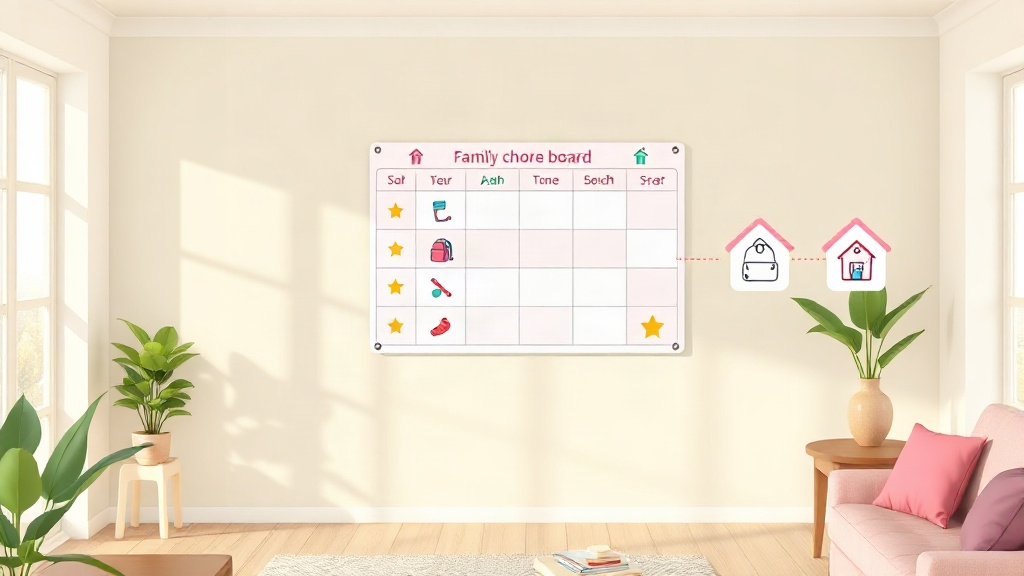
Quick Answer: A family chore app is a shared system where every adult in the household can assign chores, approve completed tasks, and manage rewards, and every child can see their own list. The features that matter most are multi-parent access, separate kid profiles, points and rewards, an activity history, and sync across two homes if your kids split their time.
Plenty of chore apps work for one parent managing one child. Things change when there are two or more adults, kids at different ages, or a custody schedule. Then the question isn't "can my kid check off a task?" It's "can everyone in this family work from the same system without one parent becoming the chore manager?"
What Is a Family Chore App?
A family chore app is a chore and reward app built for a whole household rather than a single parent and child. Every adult can create and approve tasks, every child has their own profile, and everyone sees the same up-to-date record.
The "family" part matters because household chores are rarely run by one person. When only one parent can see the chart or approve points, that parent ends up carrying the mental load of tracking everything. A shared app spreads the work and keeps the rules consistent no matter who is home.
Family Chore App vs. Kids' Chore App: What's the Difference?
A kids' chore app focuses on the child's experience: simple tasks, points, and rewards. A family chore app adds what multiple adults need to run that system together.
| Need | Kids' chore app | Family chore app |
|---|---|---|
| Who manages tasks | Usually one parent | Every parent or guardian |
| Approvals | One account approves | Any adult can approve, everyone is notified |
| Multiple kids | Sometimes limited | Separate profiles and lists for each child |
| Two homes | Rarely supported | One shared record across both homes |
| History | Basic or none | Shared activity log everyone can check |
If your household has more than one child, our guide to the best chore app for multiple kids walks through how to compare options.
What Features Does a Family Chore App Need?
A family chore app needs shared parent access, per-child task lists, points and rewards, reminders, and a history everyone can see. Here's why each one matters:
- Shared parent access. Both parents, or a grandparent or step-parent, should be able to assign tasks and approve points from their own phone.
- Approval notifications for every adult. When a child requests points, whoever is available can approve, so kids aren't left waiting on one person.
- Separate profiles for each child. Each child sees only their own tasks, points, and rewards, scaled to their age.
- Rewards and gentle penalties. A reward marketplace gives kids something to work toward, and small point deductions handle missed responsibilities without a fight.
- Activity history. A log of every task, reward, and penalty settles "but I did it!" disputes and shows patterns over weeks.
Reality Check: An app can't make two adults agree on the rules. Decide point values, rewards, and consequences together before setup, or the app will just record the disagreement.
How to Split Chores Fairly Across the Family
A fair split comes from matching chores to age and time, not giving everyone the same list.
- List every recurring household task, including the adult ones like meal planning, appointments, and laundry.
- Sort by who can realistically do each one. A 4-year-old can match socks; a 14-year-old can cook a simple dinner.
- Weigh tasks by effort. In a points system, bigger or less-liked chores earn more, which stops kids from picking only the quick ones.
- Rotate the unpopular jobs weekly so no one child is always on bathroom duty.
- Review monthly and adjust as kids grow or schedules change.
A family chore schedule template can help you map it out before moving everything into an app. And if one parent is quietly carrying most of the load, this piece on balancing the load between partners is worth a read.
Family Chore Apps for Co-Parents and Blended Families
For co-parents, the most important feature is one shared record across both homes. Without it, a child's points and progress reset every time they switch houses, and each parent has only half the picture.
KidKarma's Two-Home Sync keeps one dashboard, one points balance, and one activity history for both households, and both parents get approval notifications. It's included on every plan. Blended families can add each child with their own profile and age-appropriate list, so step-siblings aren't held to identical expectations. For more on making this work day to day, see our chore chart for two households guide.
Pro Tip: Agree on a short list of "same in both homes" chores and rewards, then let each household add its own extras. Kids handle different house rules better when the core system stays the same.
How Much Does a Family Chore App Cost?
Family chore apps range from free versions with limited features to monthly subscriptions. KidKarma has no free plan, but it offers a 14-day free trial (card required) on iPhone and Android.
- KidKarma Plus: $4.99/month or $29.99/year, for two parents or guardians, unlimited kids, tasks, and rewards, with Two-Home Sync included.
- KidKarma Family: $7.99/month or $49.99/year, with everything in Plus plus unlimited parents and guardians, useful for blended families or homes where grandparents help out.
Neither plan shows ads.