Quick Answer: A good chore app for kids is one your child can open and use without help. Look for a simple kid login (no email or password), task lists your child can read or recognize, a visible points balance, and rewards they helped choose. Younger kids need simplicity; older kids need more independence and bigger goals to save toward.
Most chore app reviews are written for parents: how easy it is to set up tasks, how many kids you can add, what it costs. Those things matter, but they skip the question that decides whether the app survives past week two. Will your kid actually use it?
What Is a Chore App for Kids?
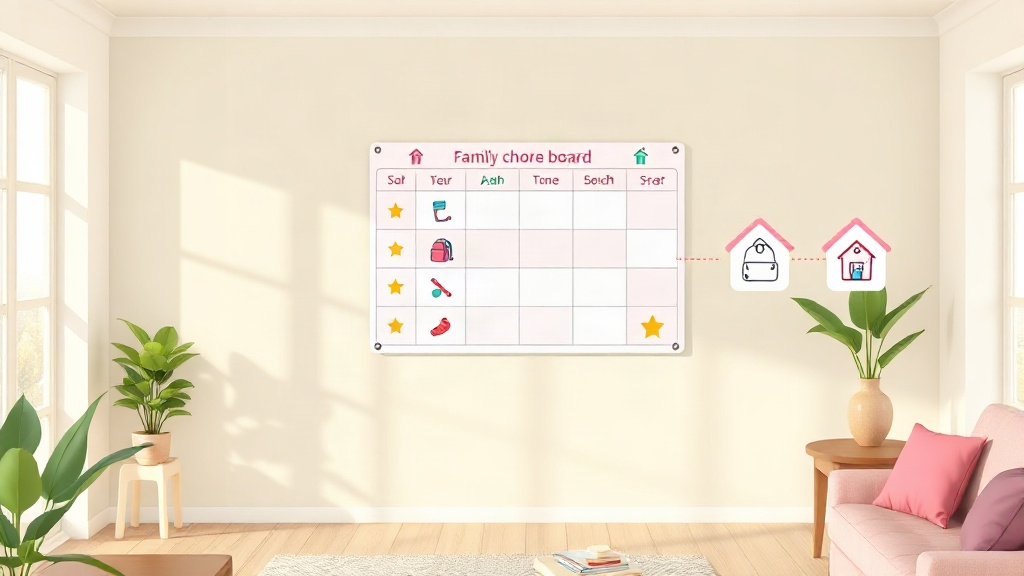
A chore app for kids is a mobile app where parents assign household tasks and children check them off, usually earning points or rewards for each one. It replaces the paper chart on the fridge with a list your child can see on a phone or tablet.
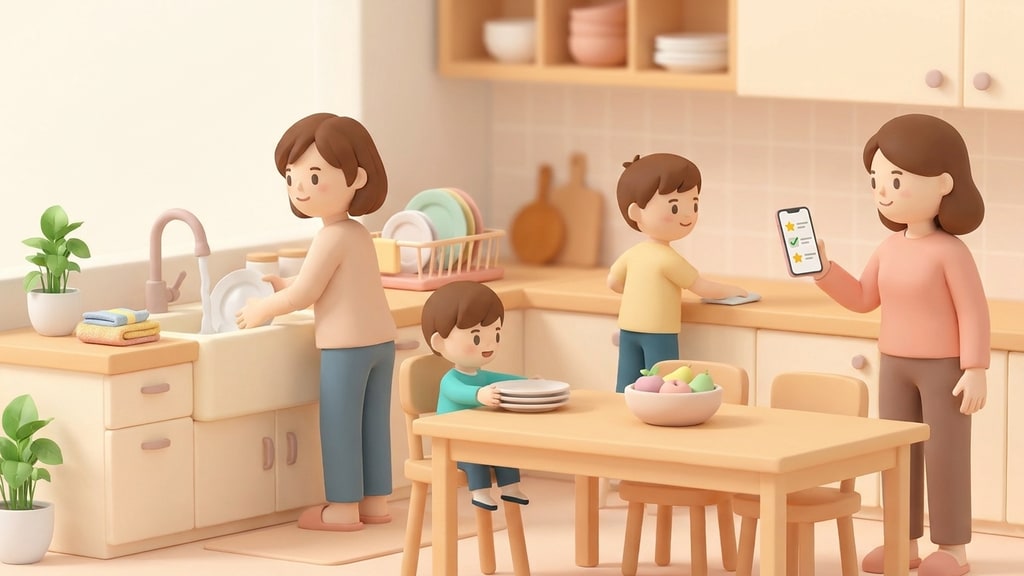
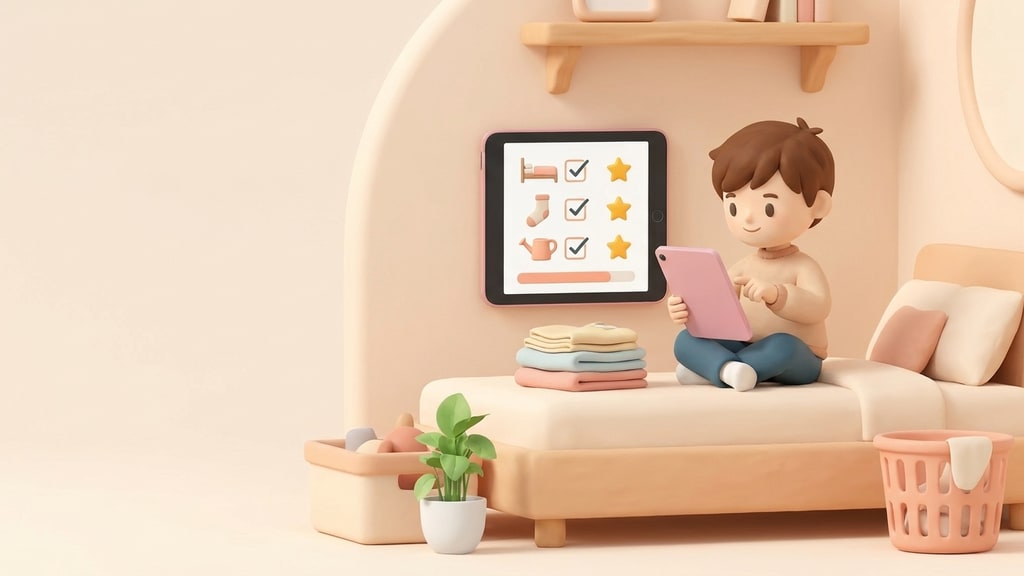
The best ones split into two sides. Parents get a dashboard to create tasks, set point values, and approve completed chores. Kids get a simpler view showing today's tasks, their points, and what they're saving for. If the kid side is just a shrunk-down version of the parent side, younger children will struggle with it.
Why Kids Stick With Some Chore Apps and Drop Others
Kids keep using a chore app when it gives them something visible in return quickly, and drop it when it feels like a to-do list with extra steps.
The apps kids stick with tend to share a few traits:
- They can get in on their own. If a child needs a parent to type a password every time, the app becomes the parent's job again.
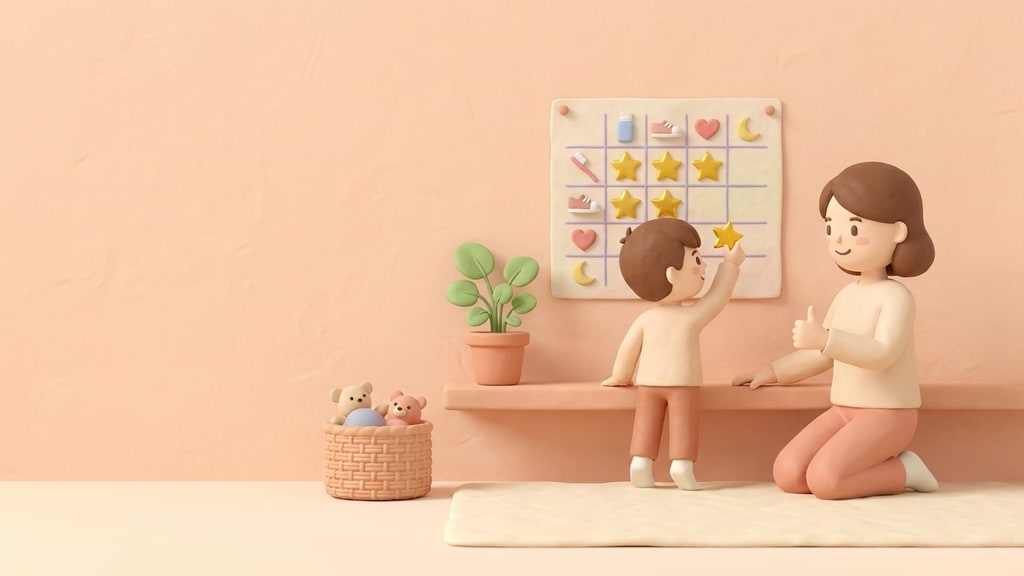
- Progress is visible. A running points total, a streak, or a bar filling up toward a reward gives kids a reason to open the app.
- Rewards feel real. A reward list your child helped build ("extra 20 minutes of gaming," "pick dinner on Friday") beats generic badges.
- Feedback is fast. When a parent approves points the same day, the link between effort and payoff stays clear.
Reality Check: No app fixes a system where chores are unclear or rewards never arrive. An app makes a good system easier to run. It won't rescue one where the rules change every week.
What Features Does a Good Chore App for Kids Need?
A good chore app for kids needs a kid-friendly login, clear task lists, points with a reward store, reminders, and a history parents can check. Here's what each one does on your child's side:
- Kid login without credentials. QR code or PIN login lets a child sign in without an email address. In KidKarma, kids scan a QR code from a parent's phone and they're in.
- Age-appropriate tasks. Pre-built chore suggestions by age save setup time and keep expectations realistic. Our age-appropriate chores guide lists what's reasonable from 2 to 17.
- Points and a reward marketplace. Kids should see what each task is worth before they start and what each reward costs before they save.
- Reminders before deadlines. Smart reminders nudge kids so parents don't have to.
- A request-and-approve step. Kids mark a task done and request points; a parent approves. This keeps the system honest without constant checking.
Which Features Matter at Each Age?
Different ages need different things from the same app.
| Age | What your child can handle | Feature that matters most |
|---|---|---|
| 2 to 4 | One or two tasks a day, with help | Visual task cards and instant rewards |
| 5 to 7 | A short daily list | Easy login and a points total they can see |
| 8 to 12 | A weekly list and saving up | Reward marketplace with bigger goals |
| 13 to 17 | Independent routines | Less hand-holding, more meaningful rewards |
For kids with attention challenges, short tasks and immediate feedback matter even more. Our guide to chore apps for kids with ADHD goes deeper on that.
Chore App vs. Chore Chart: Is an App Worth It?
A chore app is worth it if you have more than one child, kids at different ages, two homes to coordinate, or a paper chart that keeps getting abandoned. For one young child with two or three daily jobs, a printable chart can work fine, and KidKarma's free chore chart maker is a good place to start.
The app's advantage shows up over time. It keeps a history of every task, reward, and penalty, so you can see whether a habit is building or slipping. It also handles the bookkeeping that wears paper charts down: tallying points, remembering who did what, and keeping two households on the same page.
How to Get Your Kids Using a Chore App in Week One
The first week sets the tone, so keep it simple:
- Start with three tasks per child. Pick easy wins so your child earns points on day one.
- Build the reward list together. Ask each child what they'd work for and price rewards so the first one is reachable within a few days.
- Let them log themselves in. Show your child how to sign in, then step back.
- Approve quickly. Same-day approvals in the first week teach kids the system is real.
- Add tasks gradually. Once the first three are routine, add one more at a time.
Pro Tip: Let your child redeem a small reward early in week one, even a cheap one. Seeing points turn into something real is what hooks them on the system.
How KidKarma Works for Kids
KidKarma is built around the kid side of the app as much as the parent side. Kids log in by scanning a QR code, see their tasks and points, request points when they finish a chore, and spend their balance in a reward marketplace your family sets up. Parents get reminders, approval notifications, gentle penalties for missed responsibilities, and progress charts. It runs on iPhone and Android for kids from age 2, with unlimited kids on every plan. Plans start at $4.99/month or $29.99/year after a 14-day free trial (card required).
If you'd like to compare options side by side, see our roundup of the best chore apps for families.